Practical guides

Use a repeatable checklist before and after theme updates

Keep versions and a recovery path so post-update checks go beyond looking at the homepage.

Use a repeatable checklist before and after theme updates
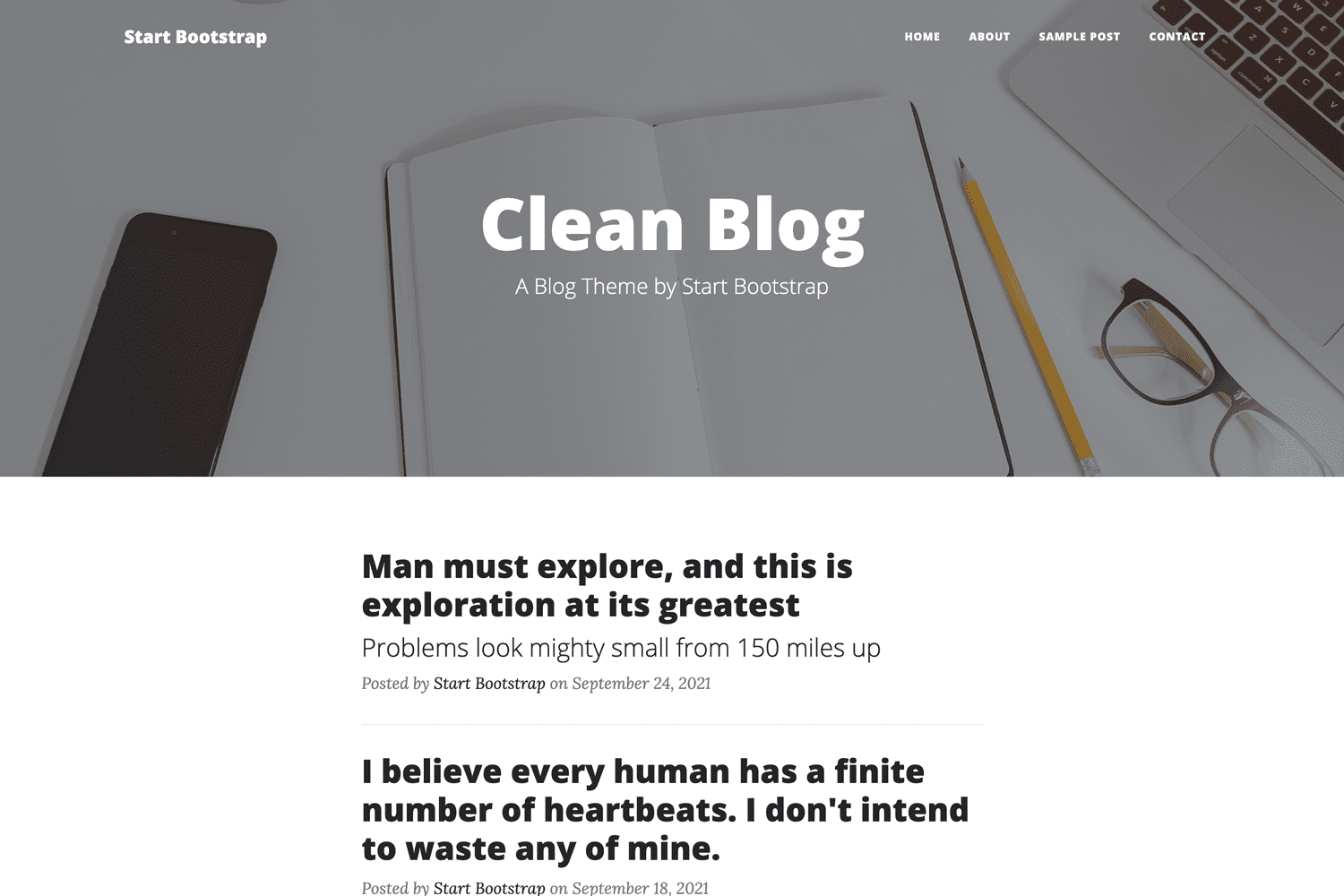
Image source: Brainstorm Force · Official theme preview; not a screenshot of a BuyTheme customer.

Methodology & limitations

This is an editorial guide based on official references, not a hands-on purchase or performance test. Validate it against your versions, content and business needs.

Record the baseline

Record theme, platform, plugin and custom-code versions. Back up files and data and verify a recovery method. Capture the homepage, listing, detail page and critical forms, plus one complete task journey. Theme files alone are generally not a complete website recovery plan.

Change a manageable set of variables

Read release notes in a test environment, identify migration steps and then update. Avoid changing the theme, payment extension and server configuration simultaneously; that makes regressions harder to diagnose. Keep logs and reproduction steps when something fails.

Recheck after deployment

After deployment, verify caches, signed-in behavior, forms, search and mobile navigation. Define rollback conditions and ownership. If rollback involves the database, do not overwrite real orders or member data created after deployment. Record both successful checks and unresolved issues.

Official references and further reading

Sources & disclosures

Official information / original source ↗

Editorial order is separate from user ratings. Official preview images identify themes and are not work created or tested by BuyTheme.

Found an error or something missing? Send the page URL and supporting details through the contact form.

Corrections & feedbackShare an experience
RELATED THEMES

Related themes & marketplaces

KEEP EXPLORING

Continue reading

View all